Understanding TradingView: An Overview of Features
In the world of trading, having access to the right tools can significantly enhance your ability to make informed decisions. TradingView stands out as a comprehensive platform that integrates charting, analysis, and community features, making it a one-stop solution for traders across various financial markets. From stocks and forex to cryptocurrencies and derivatives, TradingView provides an accessible framework to research, analyze, and validate trading strategies all in one place.
What is TradingView and Its Key Functions?
TradingView is an advanced analytical platform that offers users a variety of features designed to track and analyze market movements effectively. With its powerful charting capabilities, traders can visualize price trends and patterns, enabling better decision-making. Key functionalities include:
- Advanced Charting Tools: Users can analyze different timeframes and apply multiple technical indicators.
- Custom Alerts: Set alerts for price movements and technical indicators, ensuring traders never miss critical opportunities.
- Pine Script: An in-built programming language that allows users to create custom indicators, automate strategies, and backtest their trading ideas.
- Community Insights: Engage with a vast community of traders, sharing ideas and strategies, which enhances the learning experience.
How TradingView Enhances Market Analysis
TradingView's capabilities extend beyond just charting. Its integration of real-time data and customizable layouts allows traders to analyze multiple assets simultaneously. Several features designed to enhance market analysis include:
- Multi-Asset Coverage: Access to a wide range of assets including stocks, commodities, forex, and cryptocurrencies, enabling broad market analysis.
- Screeners: Use built-in stock and forex screeners to identify potential trades based on specific criteria.
- Social Networking: The platform’s community section allows traders to share insights and watchlists, which can lead to new trading strategies.
Integrating TradingView with Other Tools
TradingView also provides options for integration with various trading platforms and brokers. This is useful for traders who want to execute trades directly from the TradingView interface without switching between multiple applications.
Setting Up Your Trading Workspace with TradingView
Creating a Personalized Dashboard
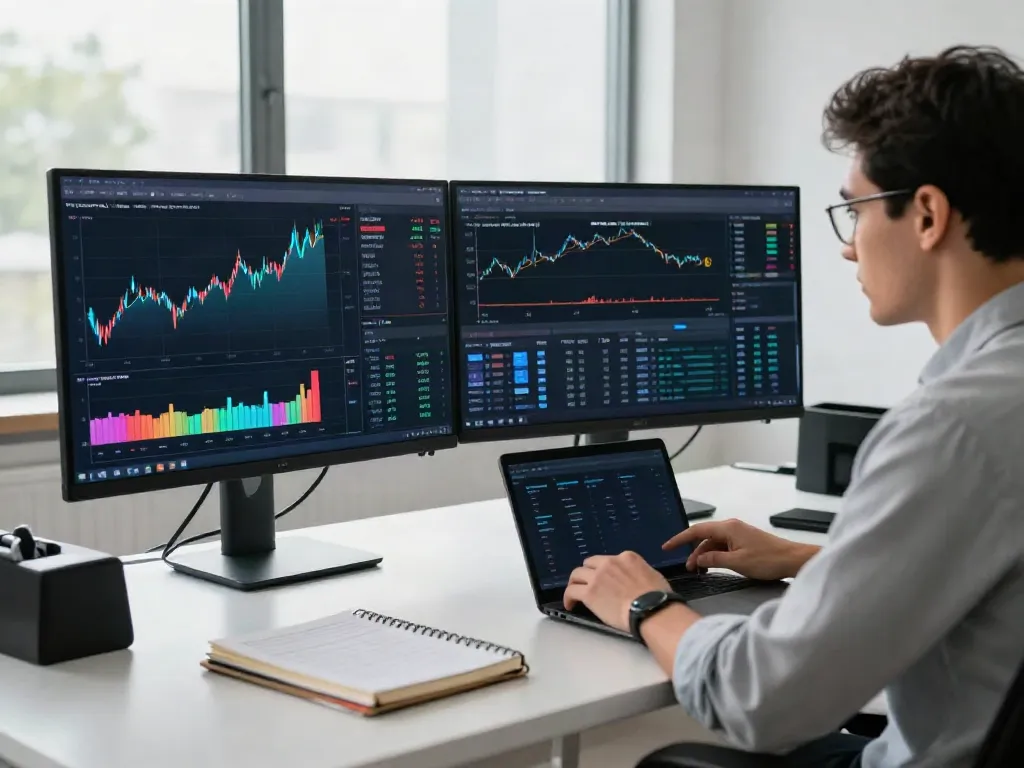
Your trading dashboard is your command center. Setting it up to reflect your trading style and preferences can improve your efficiency. Here’s how to create a personalized workspace:
- Choose Multiple Layouts: TradingView allows for multiple layouts to be displayed on screen, which is helpful for traders monitoring several assets at once.
- Customize Widgets: Add economic calendars, news tickers, and watchlists to your dashboard for easy access to vital information.
- Save Templates: Save your customized dashboards and layouts to streamline future analysis sessions.
Essential Features to Focus On
To get the best out of TradingView, focus on mastering key features that can enhance your trading experience:
- Technical Indicators: Familiarize yourself with various indicators like moving averages, RSI, and MACD.
- Pine Script: Learning basic Pine Script can help you create tailored strategies and indicators.
- Community Insights: Engage with the community to learn new strategies and perspectives on market movements.
Optimizing Layout for Multi-Market Tracking
For traders who focus on multiple markets, an optimized layout is crucial. Here are some tips:
- Use Multi-Chart Layouts: Display different assets on separate charts within the same screen for simultaneous analysis.
- Adjust Timeframes: Use varying timeframes to gauge short-term volatility alongside long-term trends.
Developing Effective Trading Strategies Using TradingView
Utilizing Pine Script for Custom Indicators
Pine Script is a powerful feature within TradingView, allowing traders to create custom indicators and strategies. Beginners can start with simple scripts and gradually expand as their skills improve.
Backtesting Strategies: How to Use the Strategy Tester
Backtesting is crucial in validating trading strategies. TradingView’s Strategy Tester enables users to run simulations using historical data to evaluate the effectiveness of their strategies before deploying them in live markets.
Case Studies: Successful Trading Strategies
Analyzing successful trading strategies can provide valuable insights. Consider studying various strategies shared by experienced traders in the community. Look for:
- Risk-reward ratios
- Entry and exit points
Maximizing Alerts and Notifications in TradingView
Setting Price and Indicator Alerts
TradingView’s alert system is one of its standout features. Set alerts to notify you when prices reach specific levels or when technical indicators signal a potential trade. This allows for better decision-making without needing to monitor charts constantly.
Using Alerts to Enhance Trading Discipline
By using alerts, traders can adhere more closely to their trading plans, avoiding emotional decisions. For instance, setting alerts for both entry and exit points can prevent unnecessary losses during market fluctuations.
Common Mistakes in Alert Setup and How to Avoid Them
Be cautious with your alert settings. Common errors include:
- Setting alerts too close to current prices, leading to frequent notifications without actionable signals.
- Ignoring confirmation signals from indicators before acting on alerts.
Future Trends with TradingView: What to Expect in 2026
Emerging Features on TradingView: Predictions for Next Year
The future of TradingView looks promising with evolving features that may include enhanced AI-based analysis tools, improved mobile access, and more integrations with brokerages.
Keeping Up with Market Innovations through TradingView
As financial markets continue to innovate, TradingView will likely adapt and provide users with the tools necessary to keep pace. Watch for updates on blockchain integrations and new asset classes.
The Role of Community in Shaping Trading Tools
Community feedback has proven vital in the development of new features on TradingView. Engaging with fellow traders not only helps enhance your own trading knowledge but also contributes to the ongoing evolution of the platform.
Is TradingView actually free?
While TradingView offers a robust free version, premium plans come with additional features, including more indicators and alerts. It’s important to assess what features are essential for your trading style.
Can you trust TradingView for your investments?
TradingView is widely regarded as a reputable platform among traders. However, always conduct your own due diligence and combine TradingView’s insights with personal research.
What's better than TradingView for market analysis?
While TradingView is a leading platform, alternatives like MetaTrader and Thinkorswim may suit different trading needs. Each platform has its unique strengths and weaknesses that could align more closely with specific trading strategies.
How to efficiently use TradingView for day trading?
For day traders, leverage TradingView’s fast alert system, multi-chart setups, and extensive community insights. Focus on high-volume stocks and use technical indicators for quick decision-making.
What features set TradingView apart from competitors?
TradingView’s interactive charts, social community, and flexibility to customize indicators make it a standout platform. Its web-based interface allows for easy access across devices, a critical advantage for modern traders.